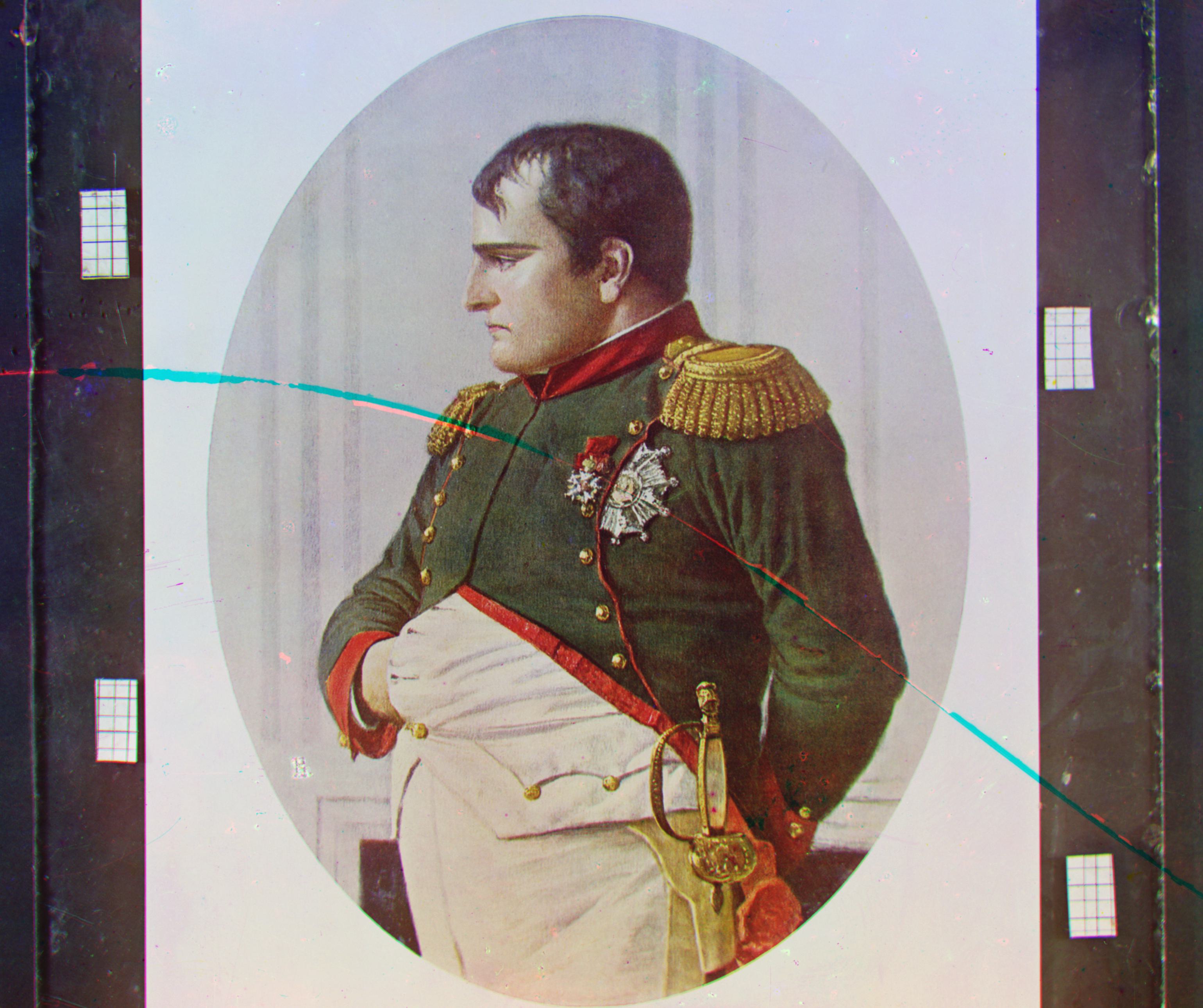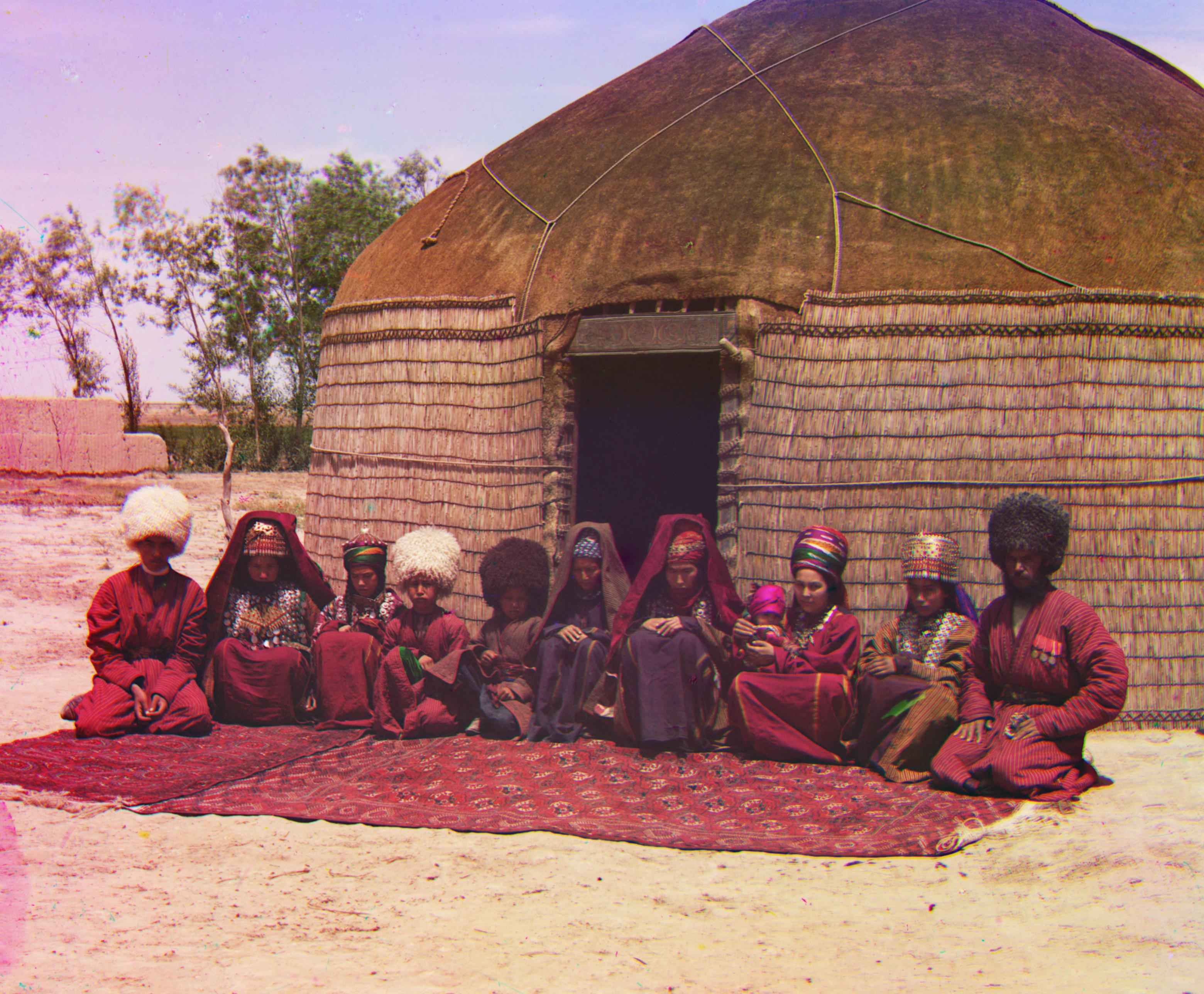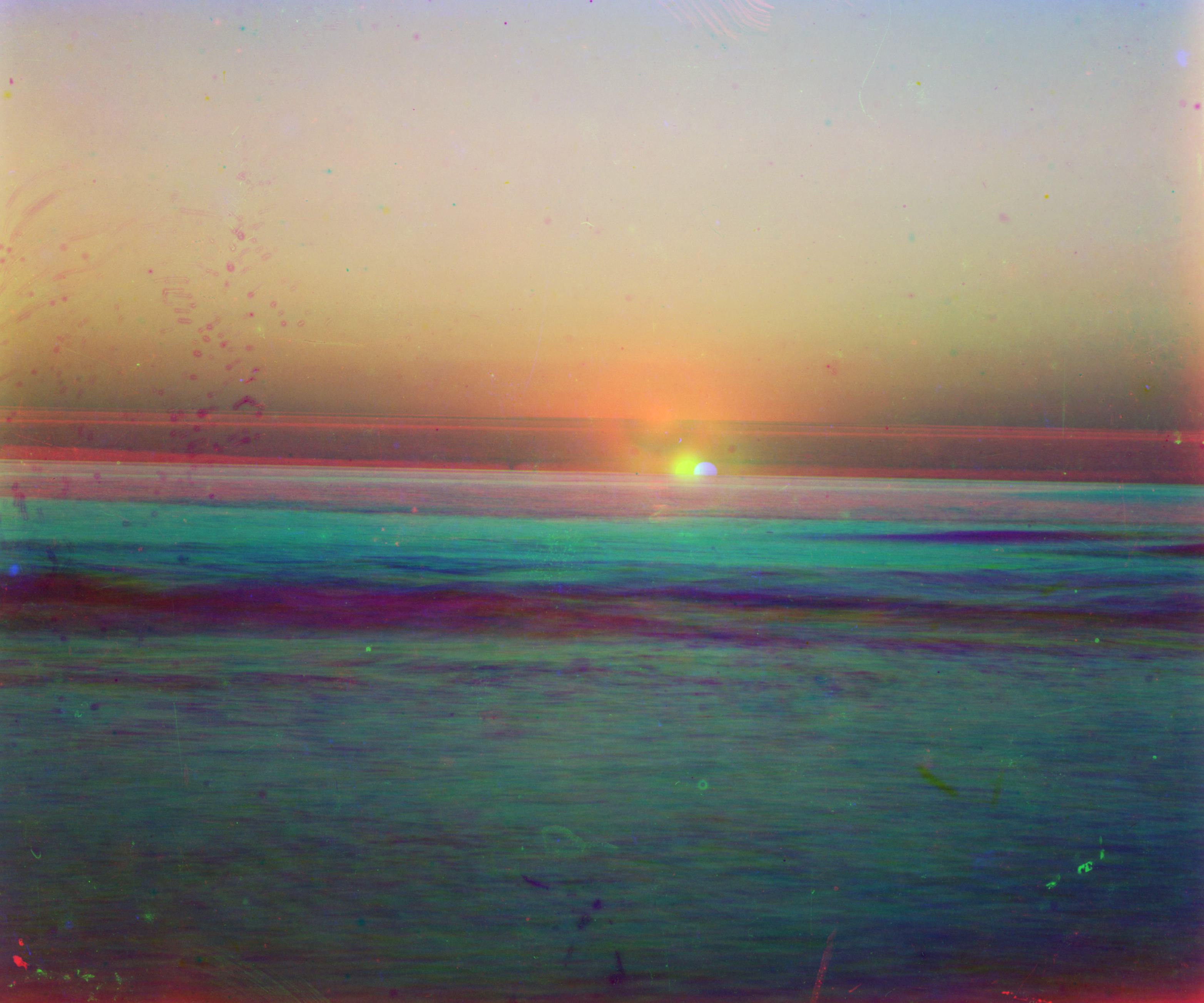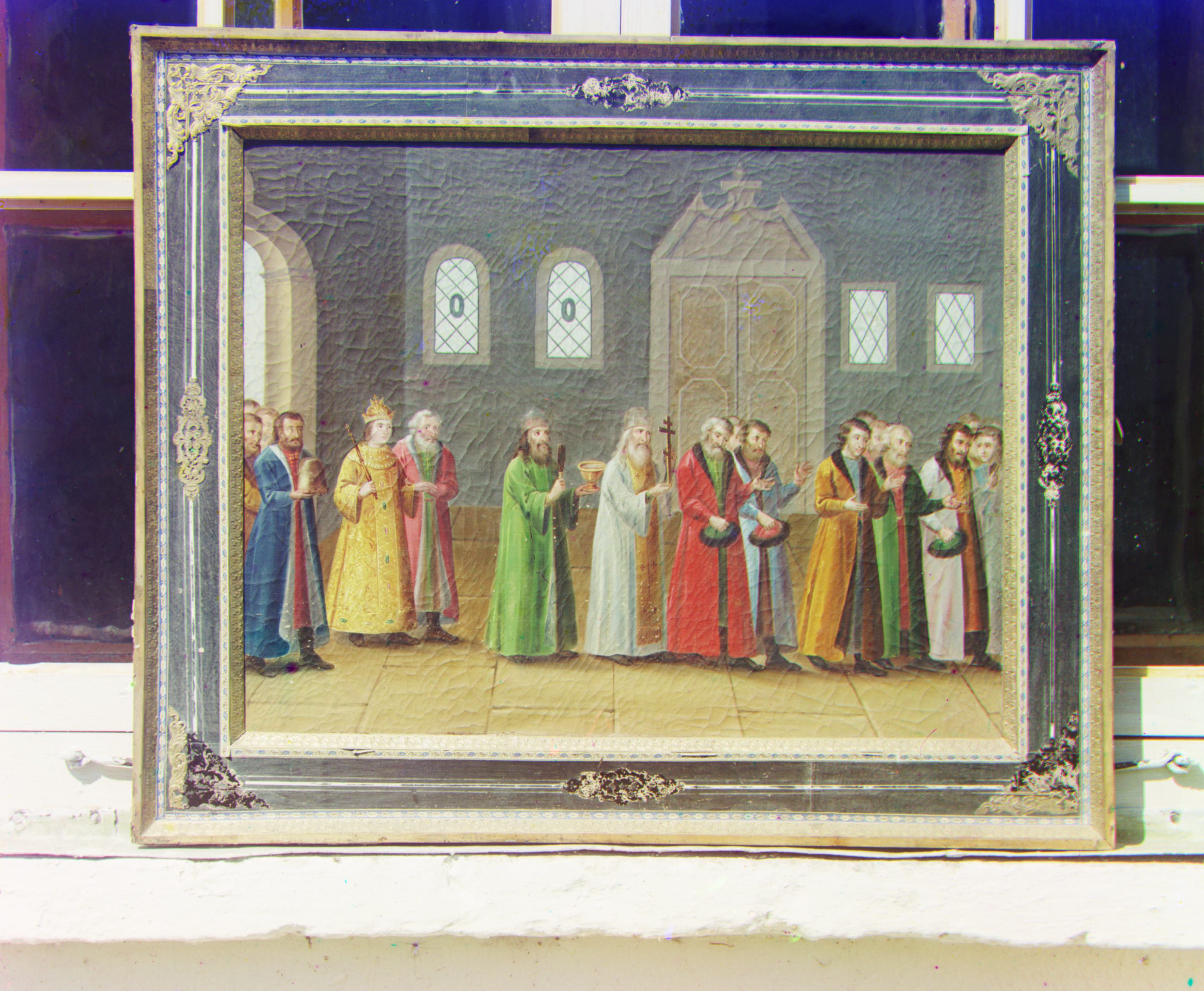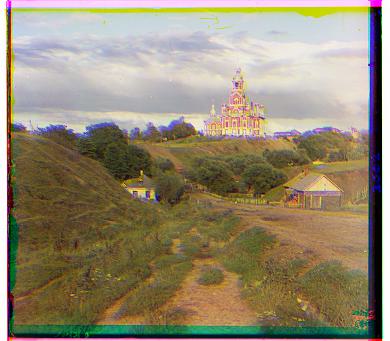
Cathedral without crop
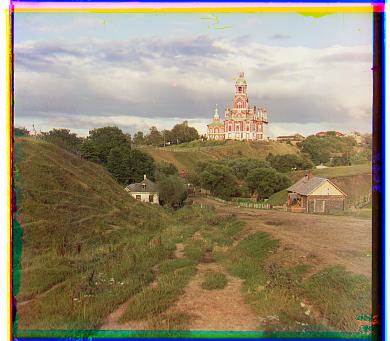
Cathedral with crop
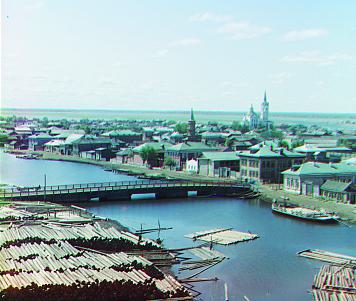
Tobolsk with crop
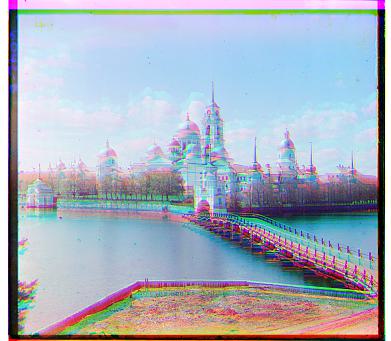
Monastery without crop
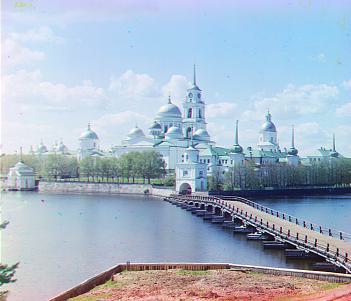
Monastery with crop
For the small images (.jpg), I used a regular L2-norm formula to check the differences between the three different parts of the image and minimize those distances. I fixed a single layer (the blue layer) and then aligned both red and green layers to that layer. For a given window, I looped over the minimum y to maximum y given the window, then looped over the minimum x to maximum y, getting each combination of displacements in that given window. Then, for each displacement, I moved the layer to be aligned and calculated the L2-norm distance. The displacement that gives us minimum distance is then the best displacement for aligning the layer to the reference layer (blue). After getting both aligned layers ar and ag, I stack ar, ag, and b together to create the final aligned colorized image. I also experimented with cropping during the distance checking so that the noise of the borders wouldn't create inaccurate alignments.
There is definately better alignment for the images that calculate distance after cropping versus the images that calculate distance without cropping.
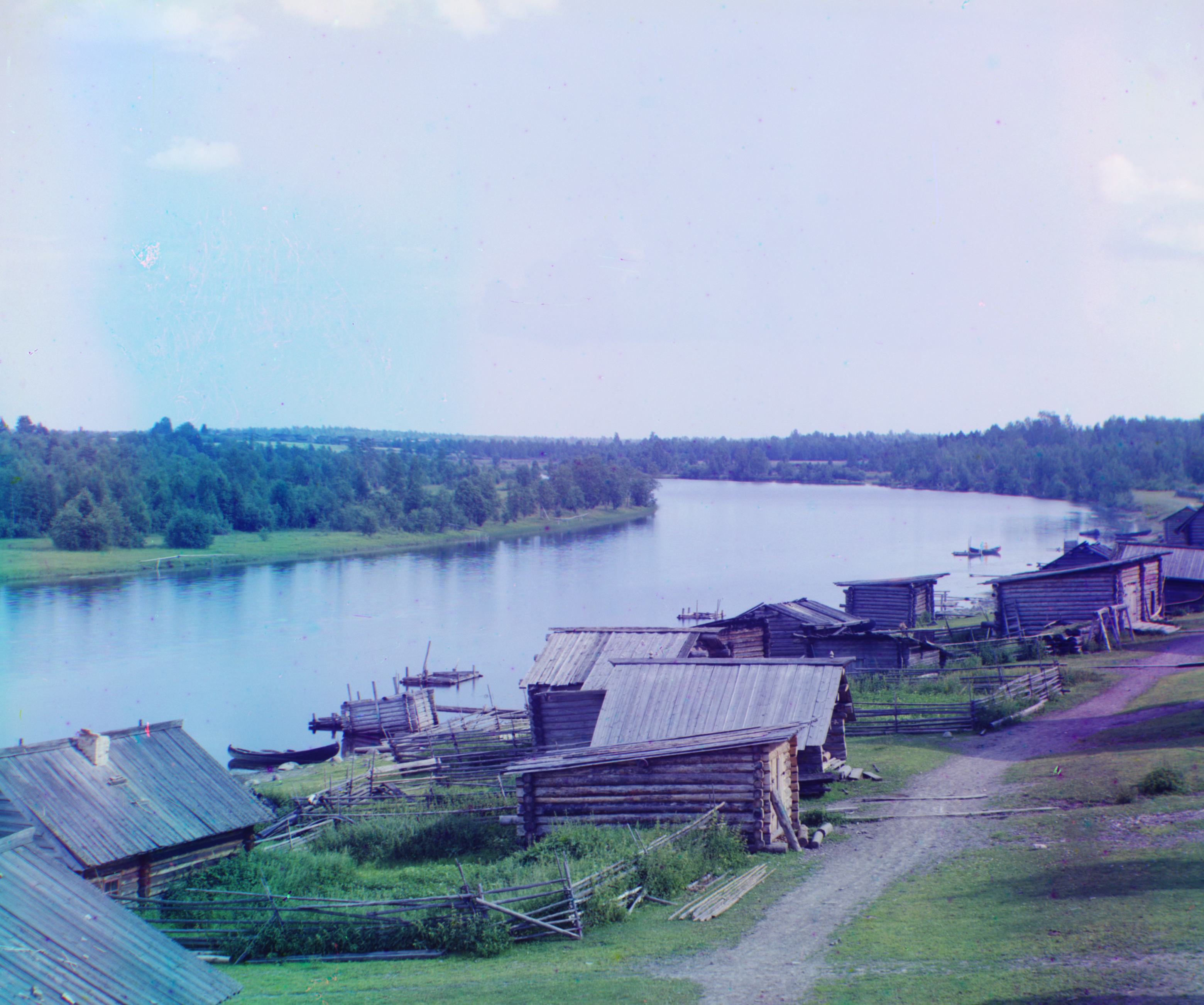
For the bigger images, I followed the spec and split the images into an image pyramid, with the original image at array[0], and every level above that at a 1/2 rescale. I then recrusively traversed the pyramid, running the original brute force algorithm to get the best displacement at each level. Since the image is scaled down at each higher level, I had to rescale the displacement by 2 ** i when looking at the next level. Using this new displacement as the center, I run it on the next level with a smaller search radius. Ex. 4 level pyramid, level 0 biggest: start with level 4 search centered around (0, 0), with radius of 30 → level 3 search centered around (level 4 best displacement) * 2, with radius of 15 → level 2 search centered around (level 3 best displacement) * 2, with radius 7 → and so on. I tried using NCC but it gave me similar results, with some images even getting aligned worse. I was also running issues with slight alignment errors but I solved it by also scaling my crops so that each level cropped based on how big the image was at that level, instead of a fixed pixel crop.
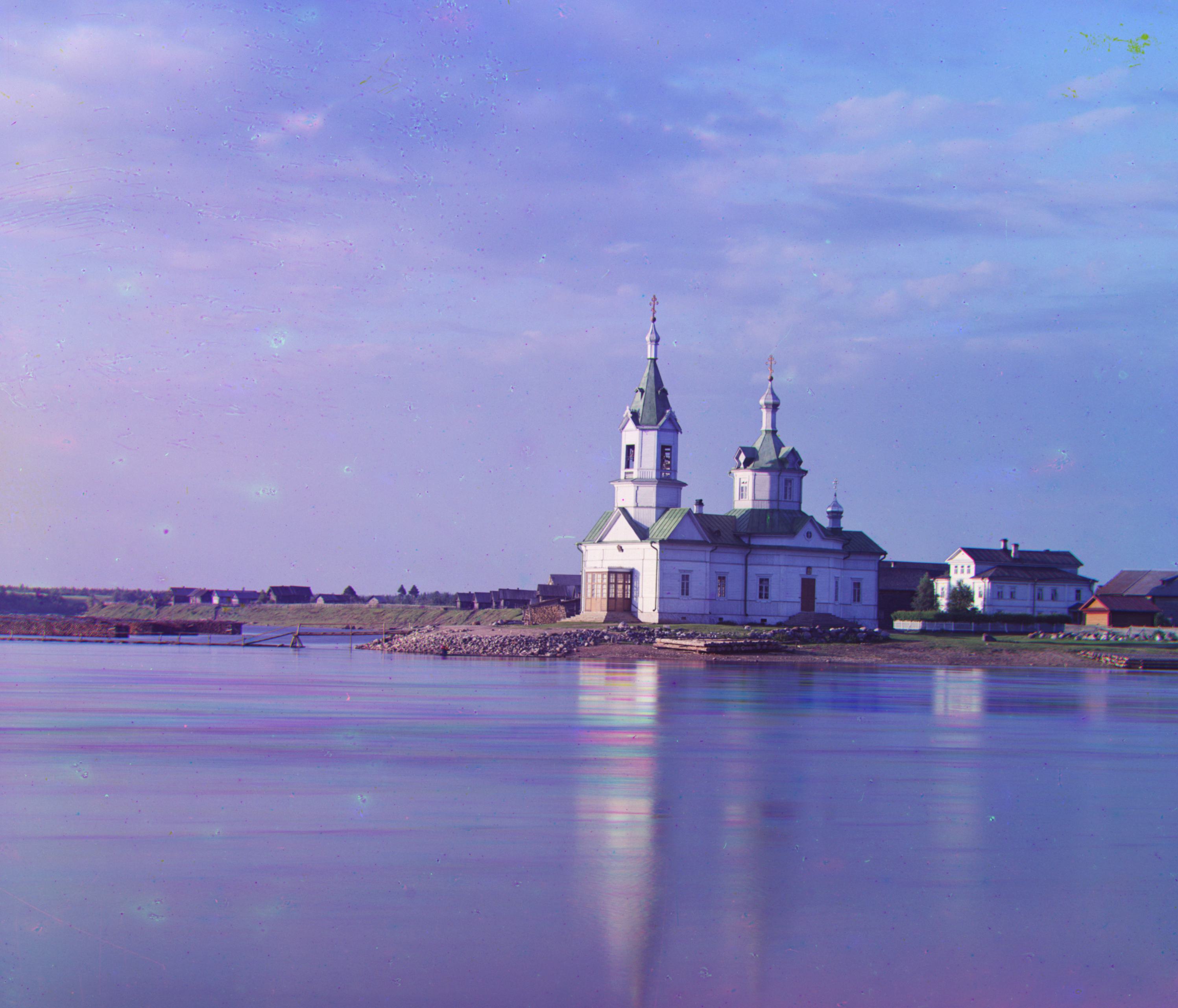
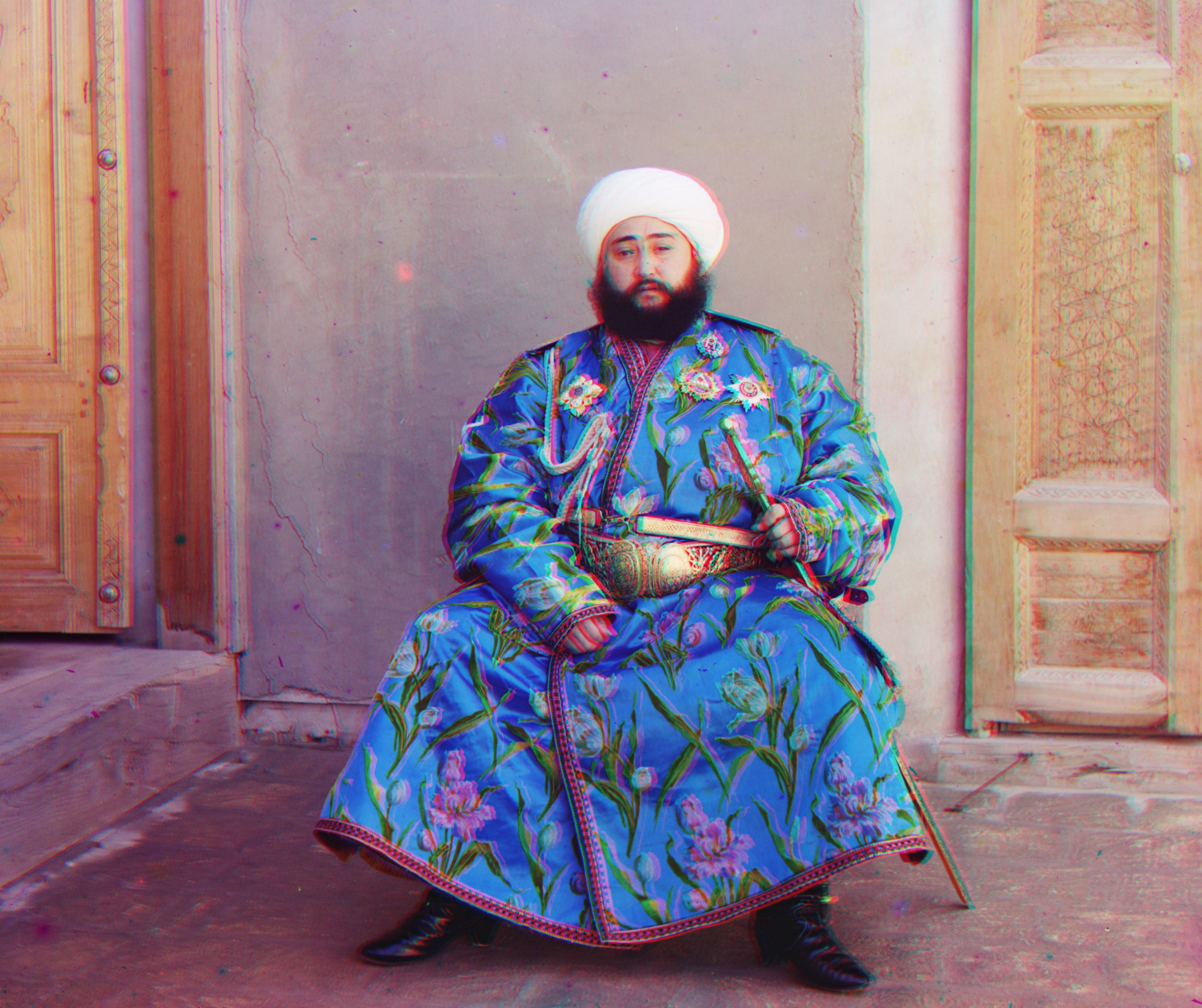
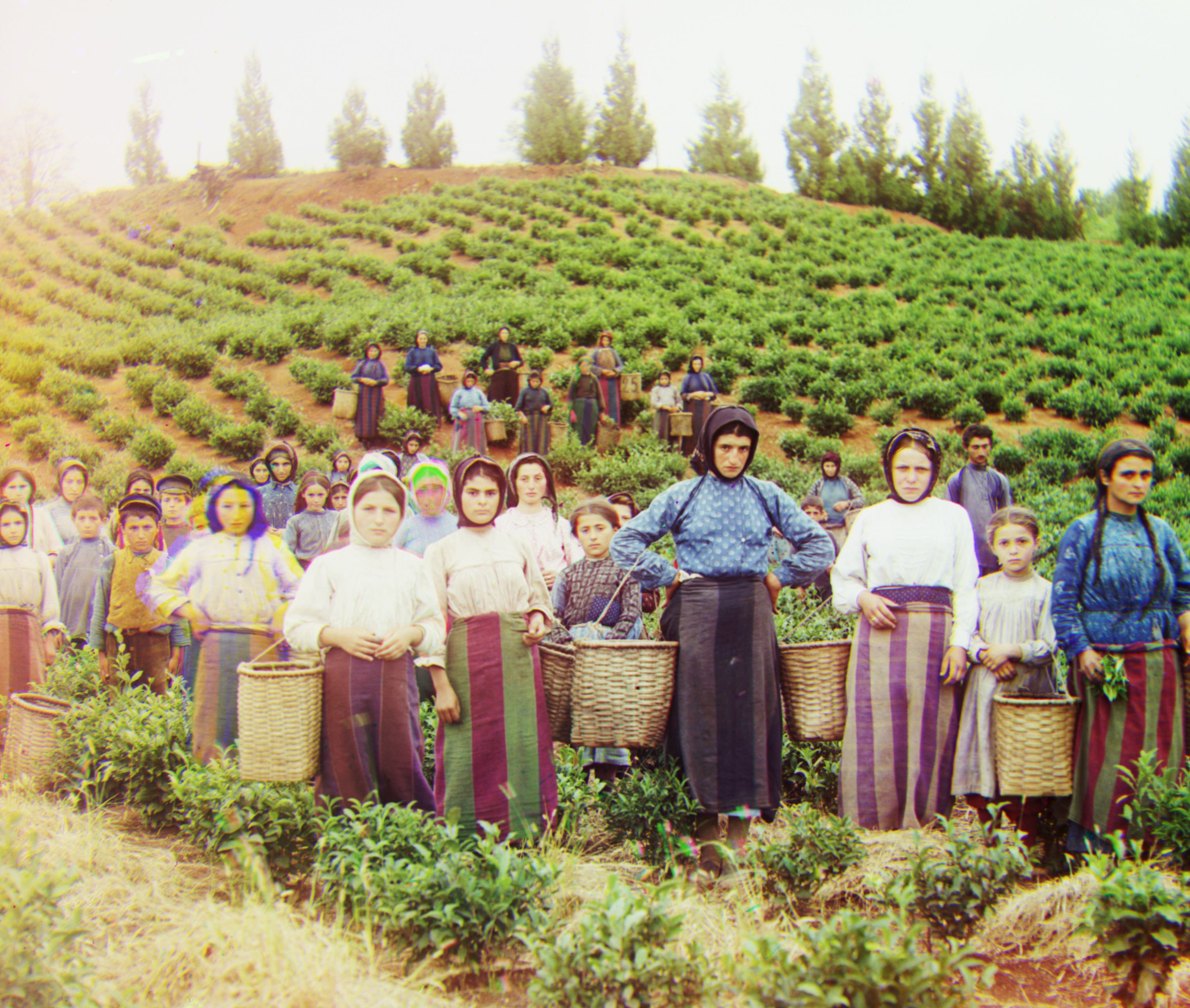
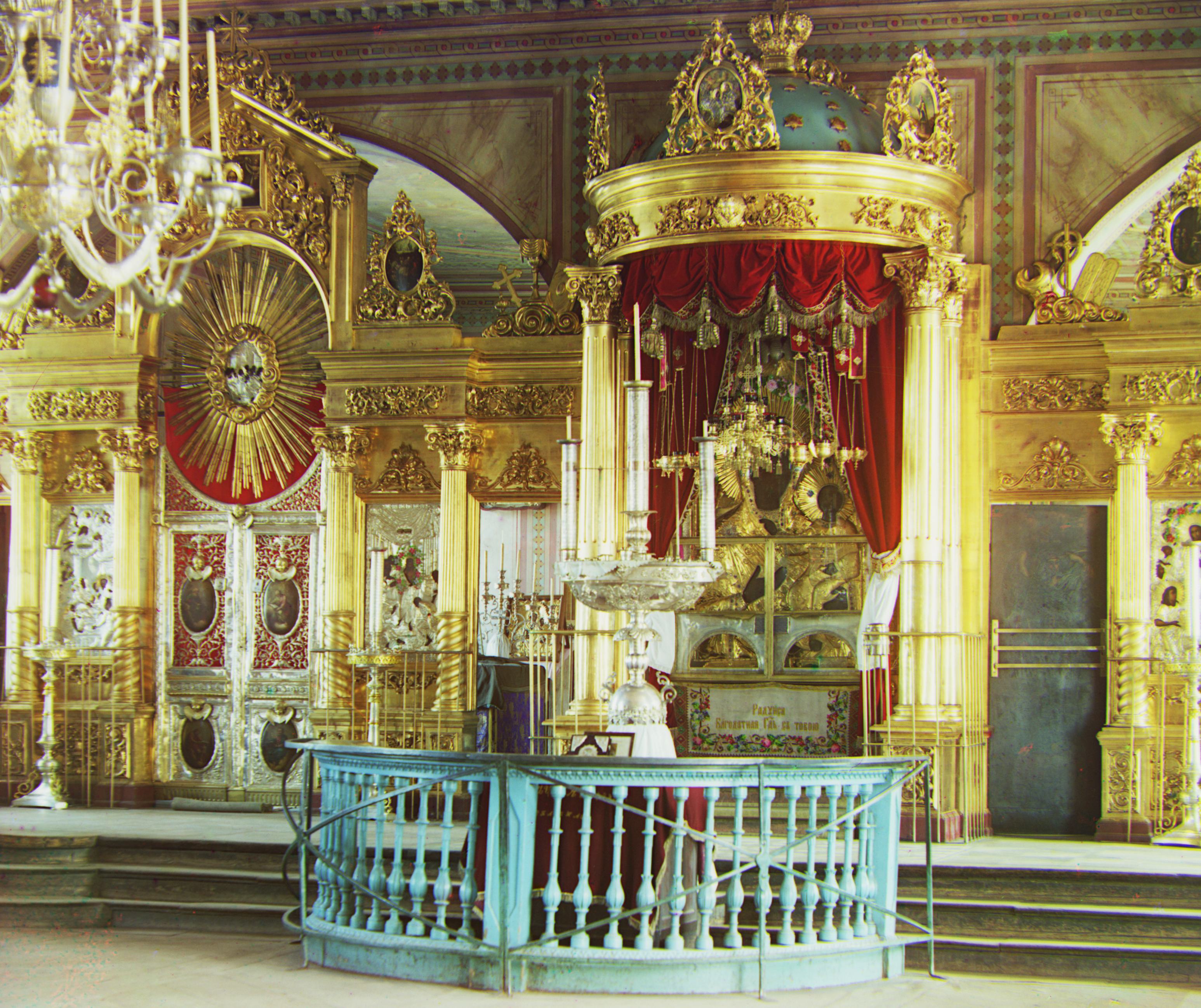
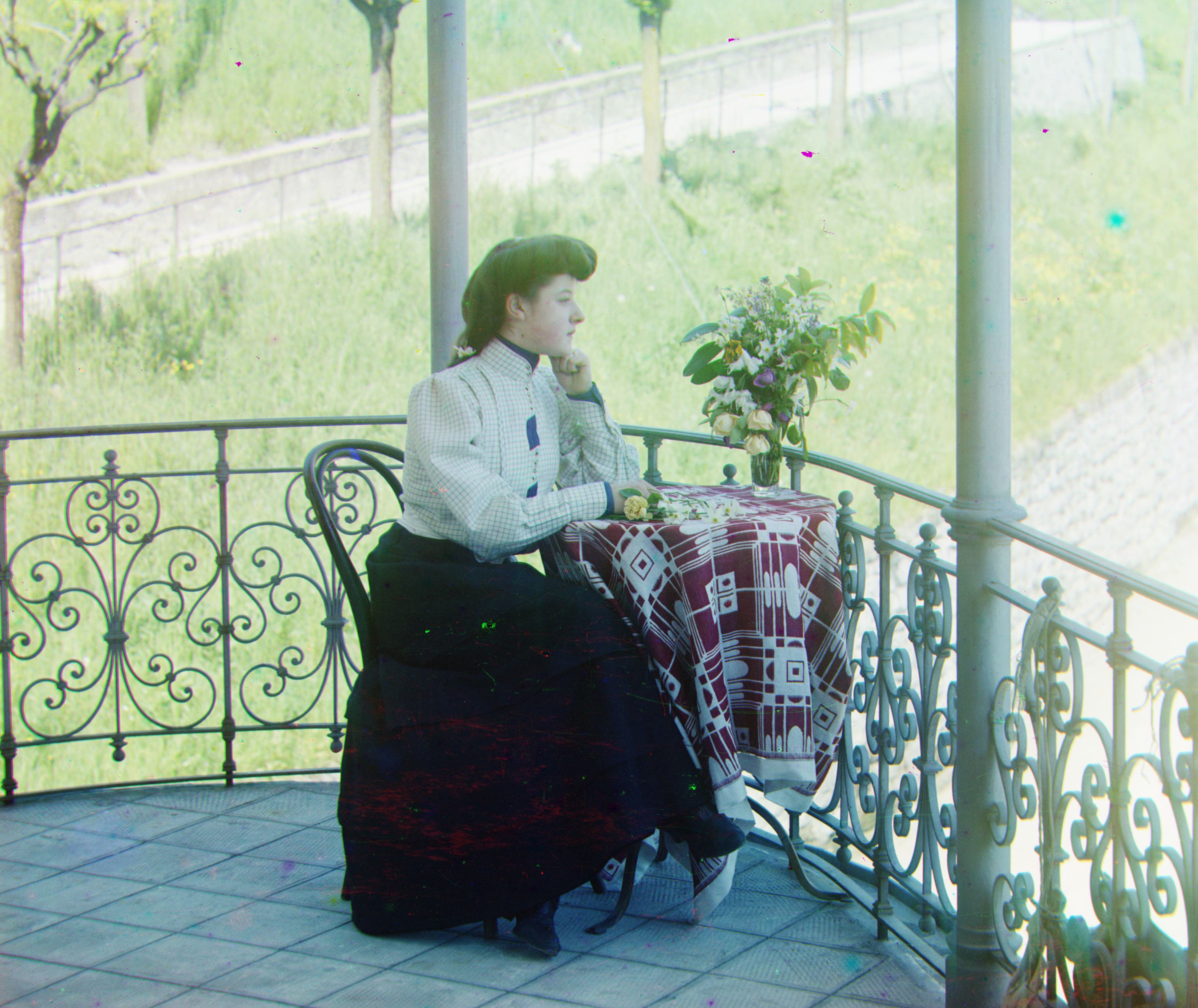
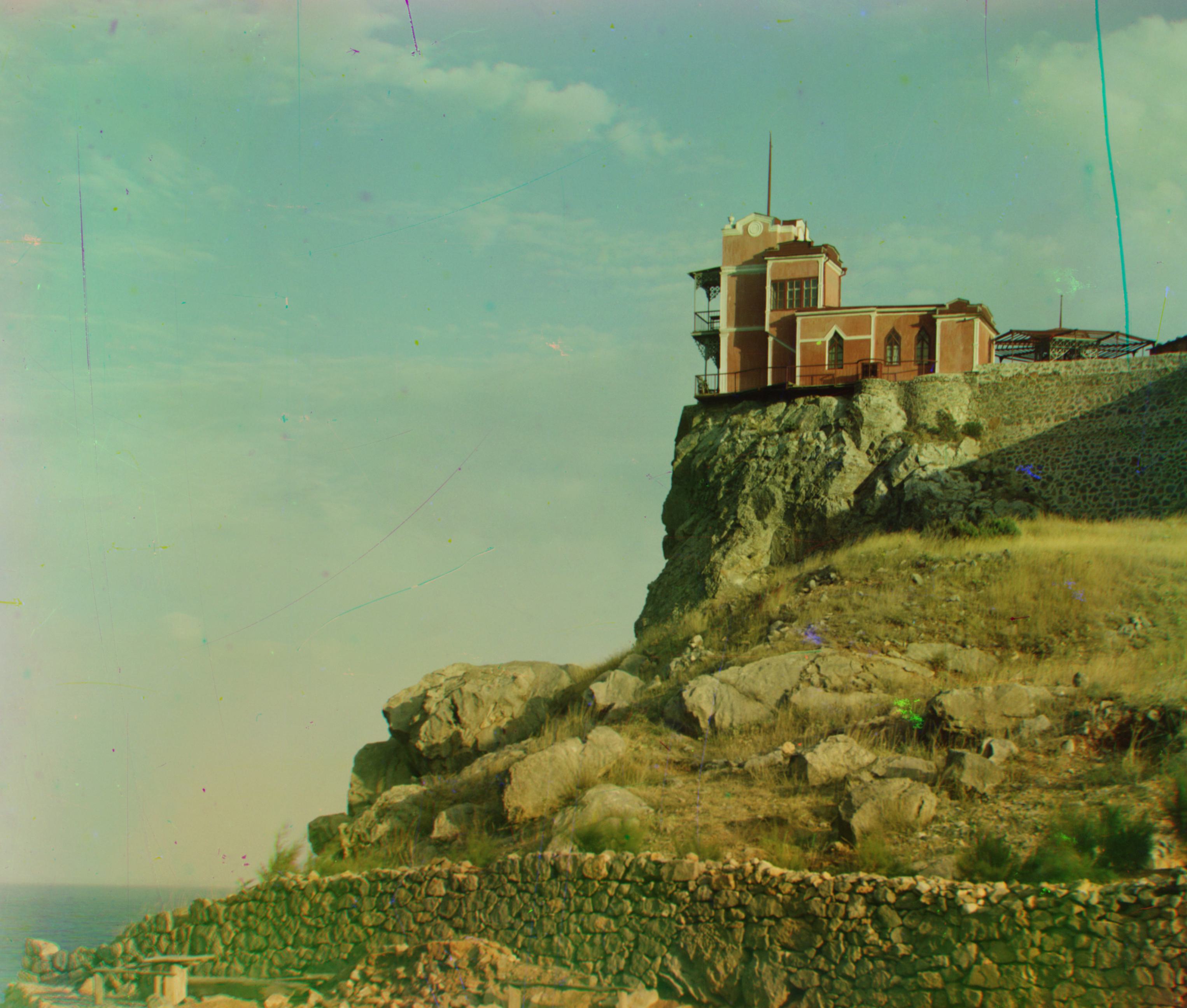
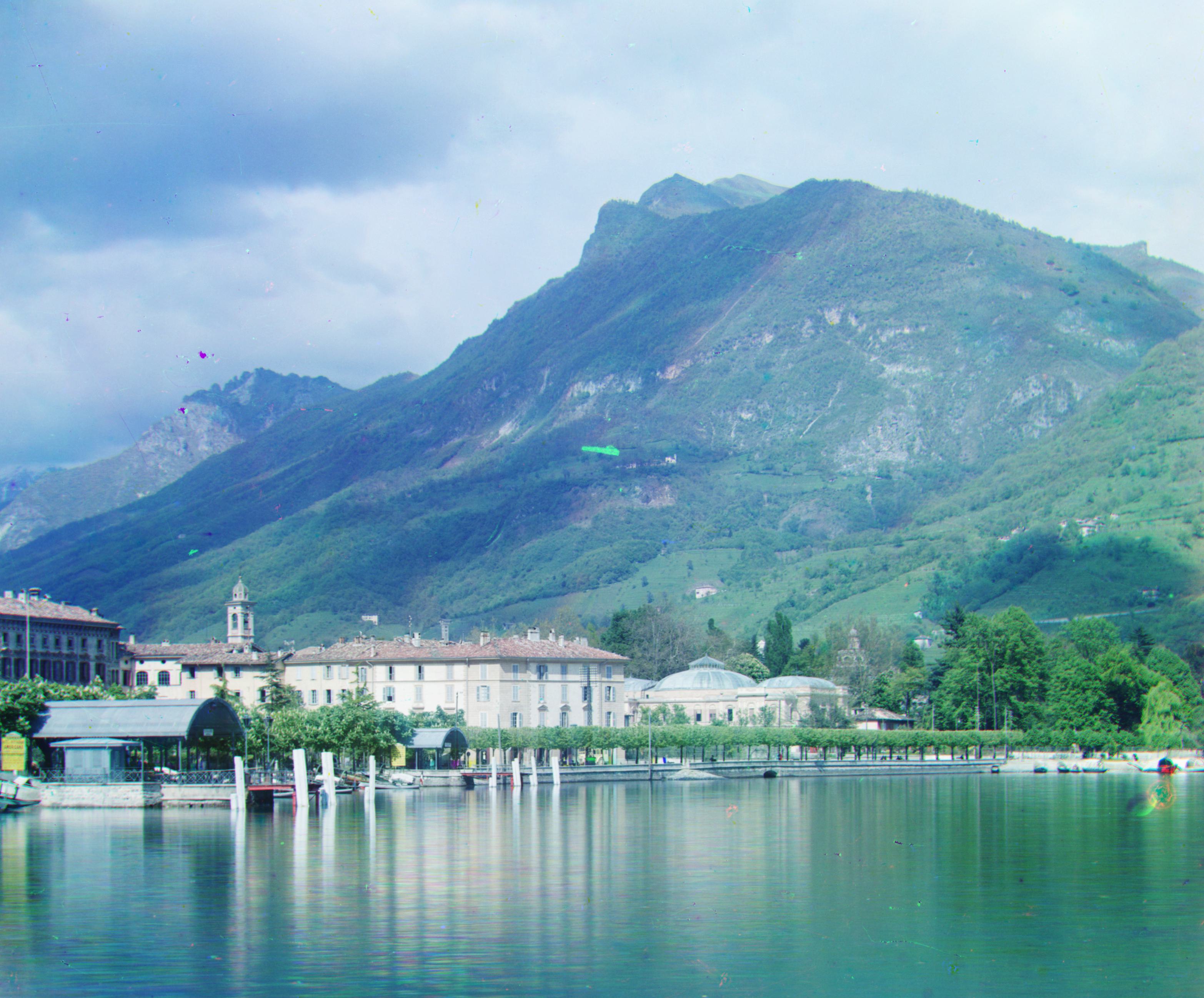
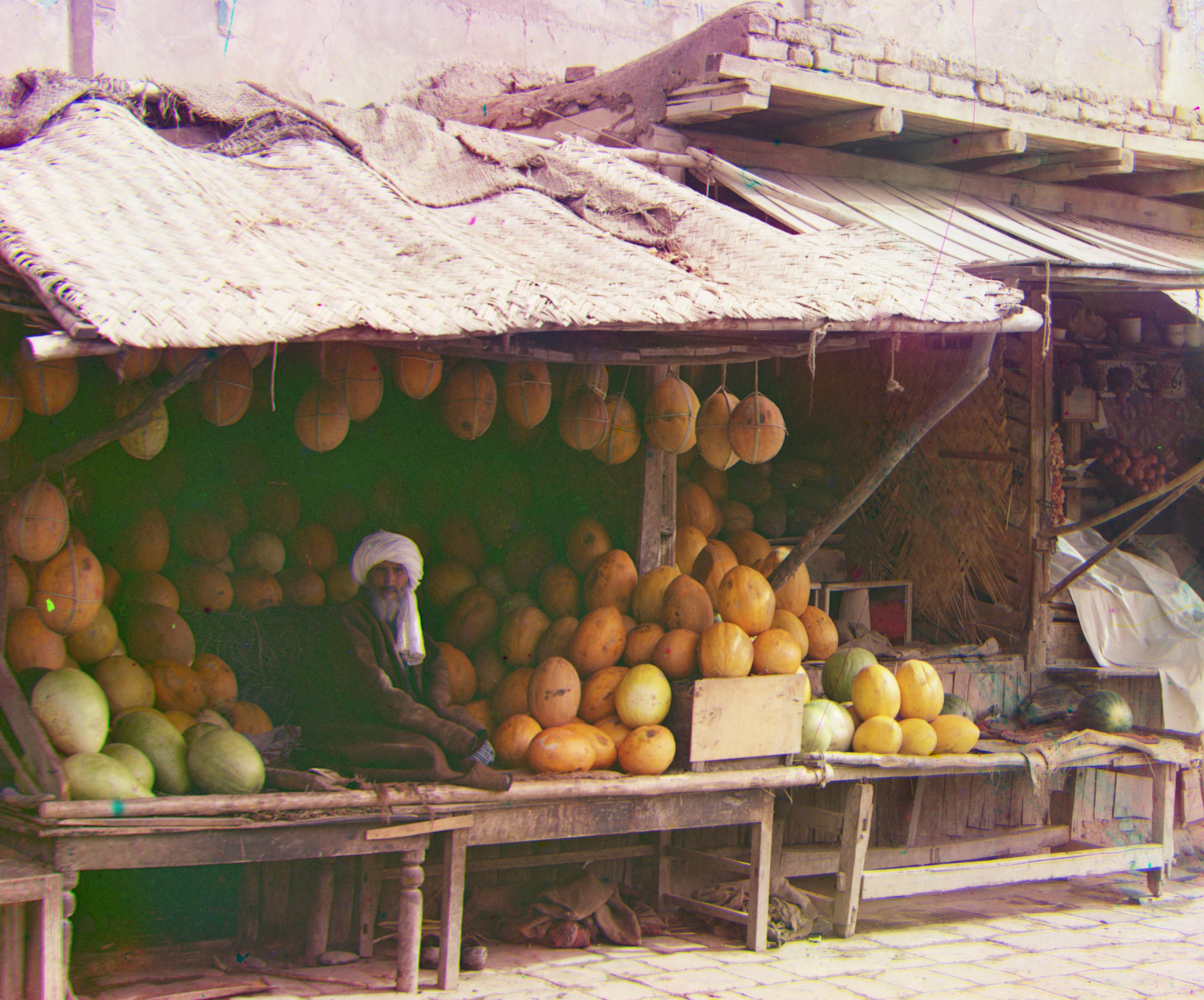
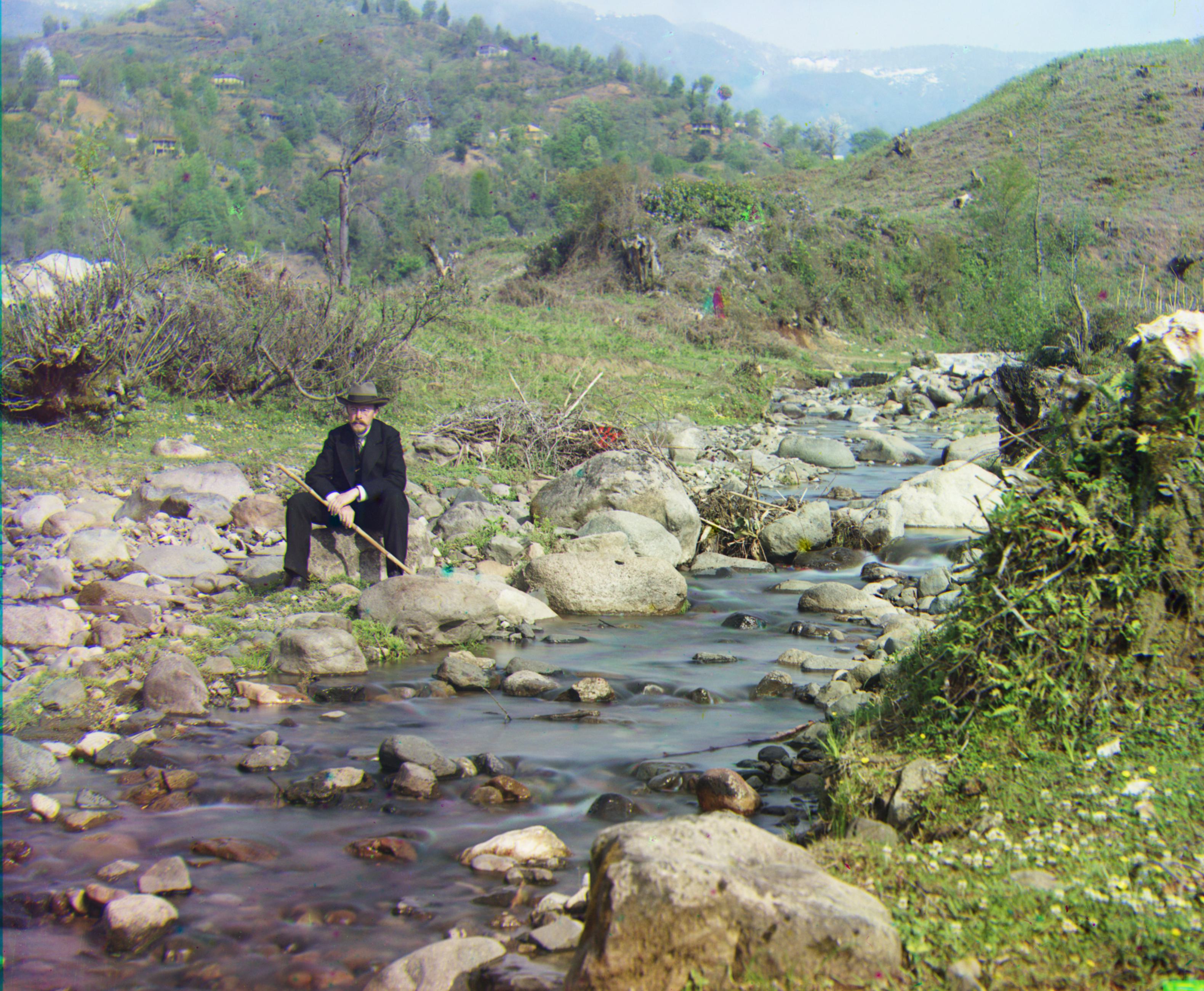
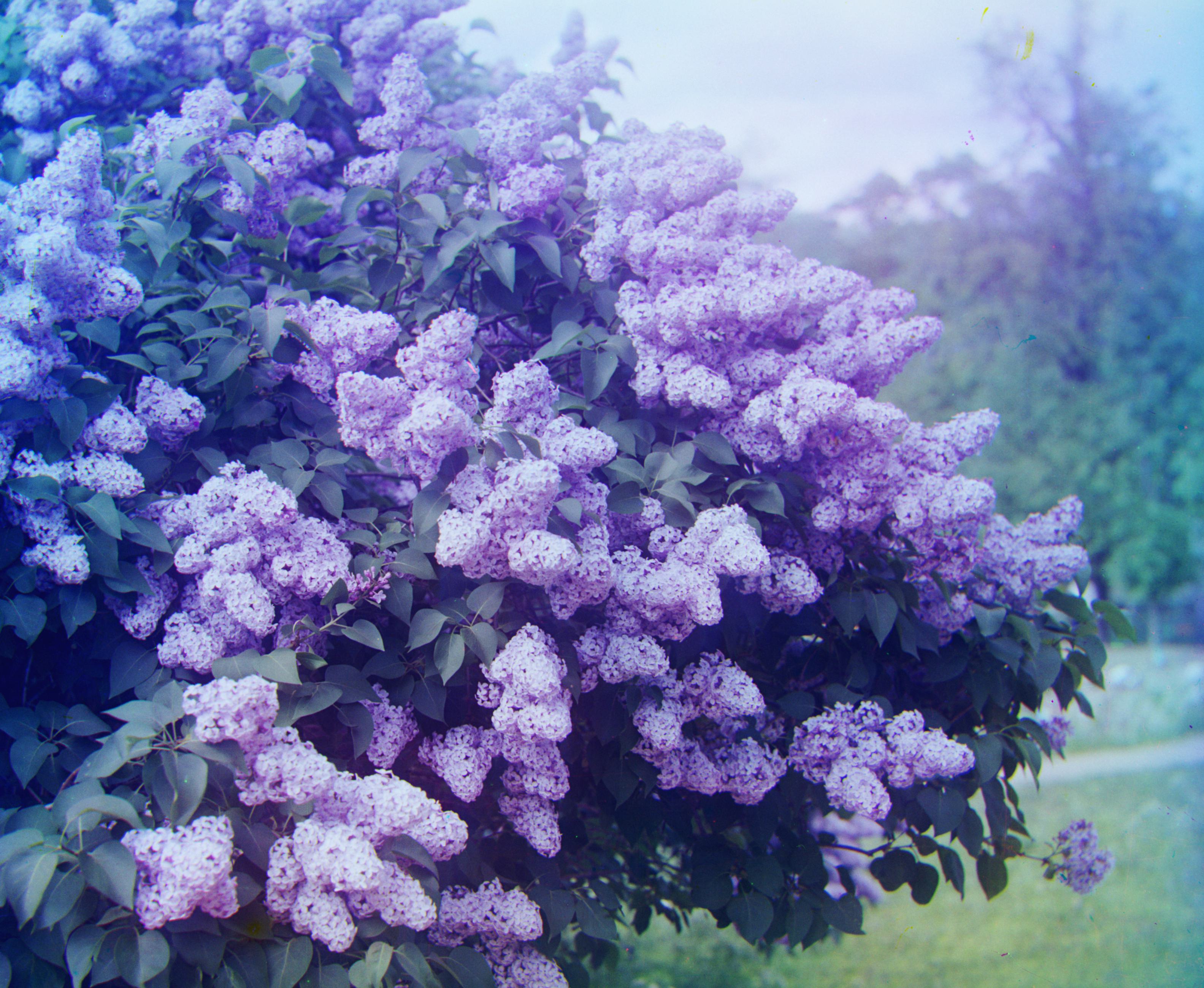
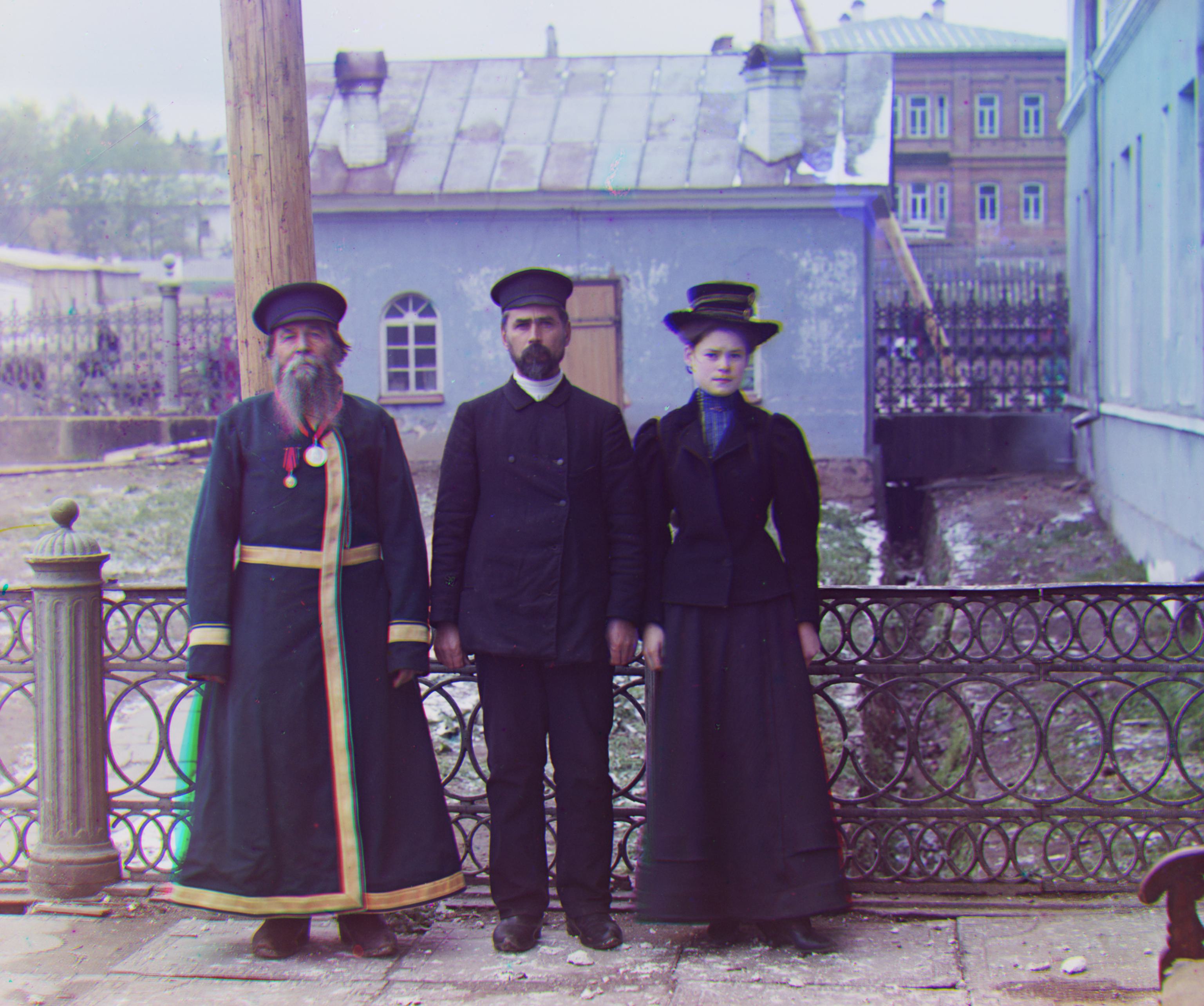
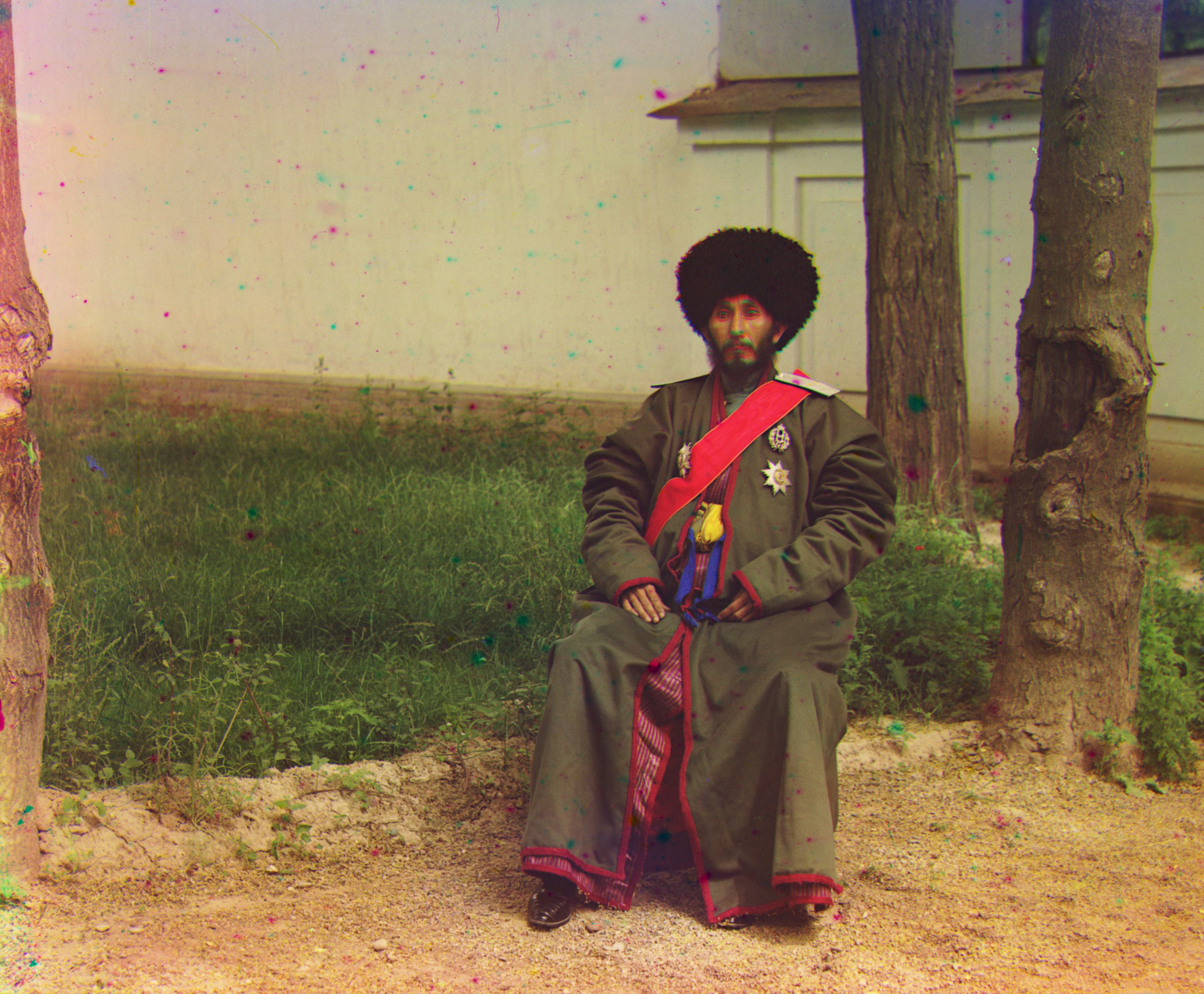
The one image I had issues with alignments was emir.tif. I tried a lot of parameter tweaking, aggressive cropping, and some different similarity algorithms, to no avail. It is definately because of what the spec said, this image is in different color channels with different brightness. I just was not able to think up a similarity algorithm that was able to account for this without messing up my other images.
| File | G shift (dy, dx) | R shift (dy, dx) |
|---|---|---|
| church.tif | (25, 4) | (58, -4) |
| emir.tif | (49, 24) | (104, 56) |
| harvesters.tif | (60, 17) | (124, 14) |
| icon.tif | (41, 17) | (89, 23) |
| italil.tif | (38, 21) | (76, 35) |
| lastochikino.tif | (-3, -2) | (75, -9) |
| lugano.tif | (41, -16) | (93, -29) |
| melons.tif | (82, 11) | (178, 13) |
| self_portrait.tif | (79, 29) | (176, 36) |
| siren.tif | (49, -6) | (96, -25) |
| three_generations.tif | (53, 14) | (112, 11) |